Themes
Choose how Kilne looks.
Pick dark or light, choose an accent colour, and turn off motion if you prefer. Kilne applies your choice to the whole system.
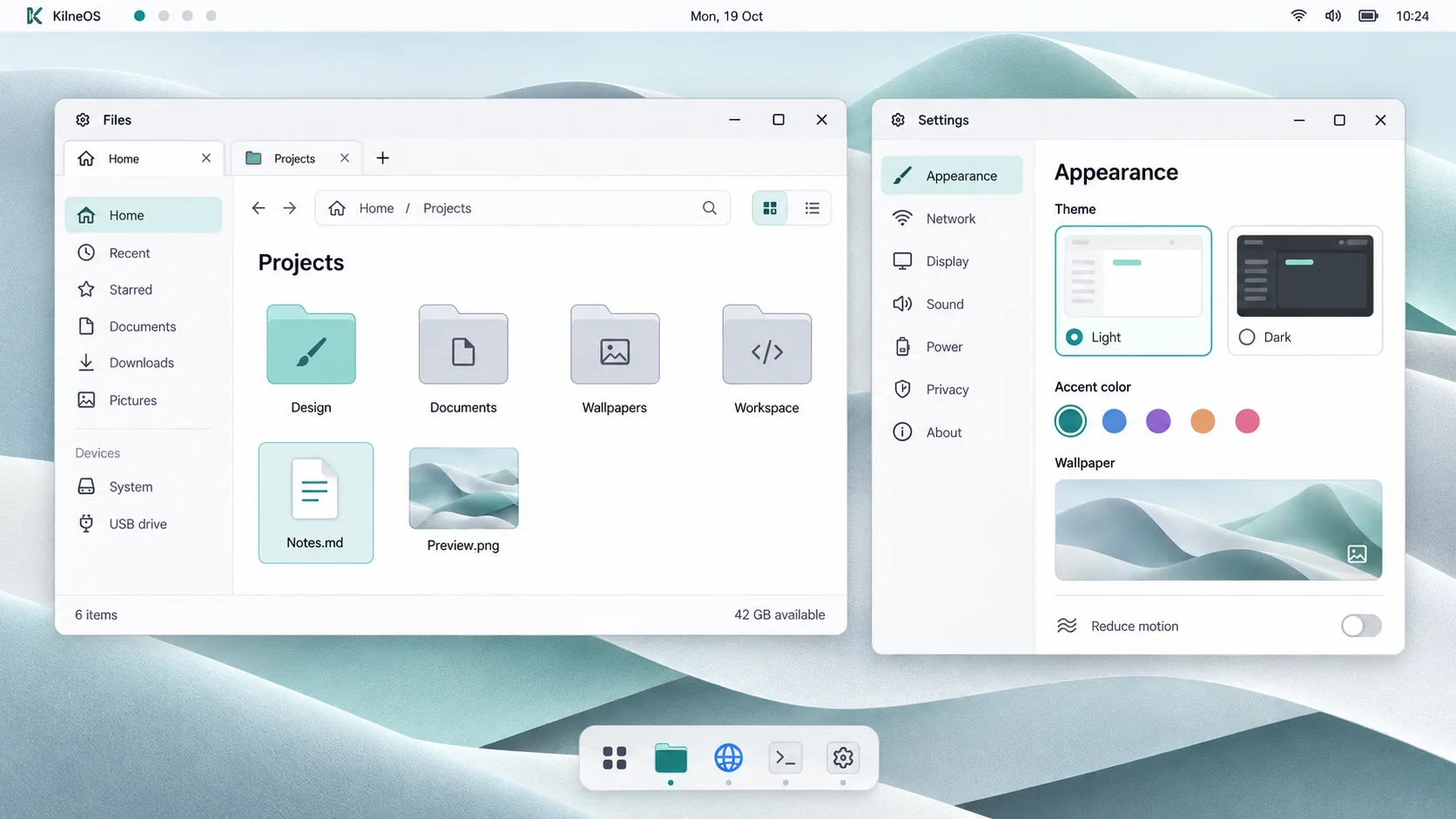
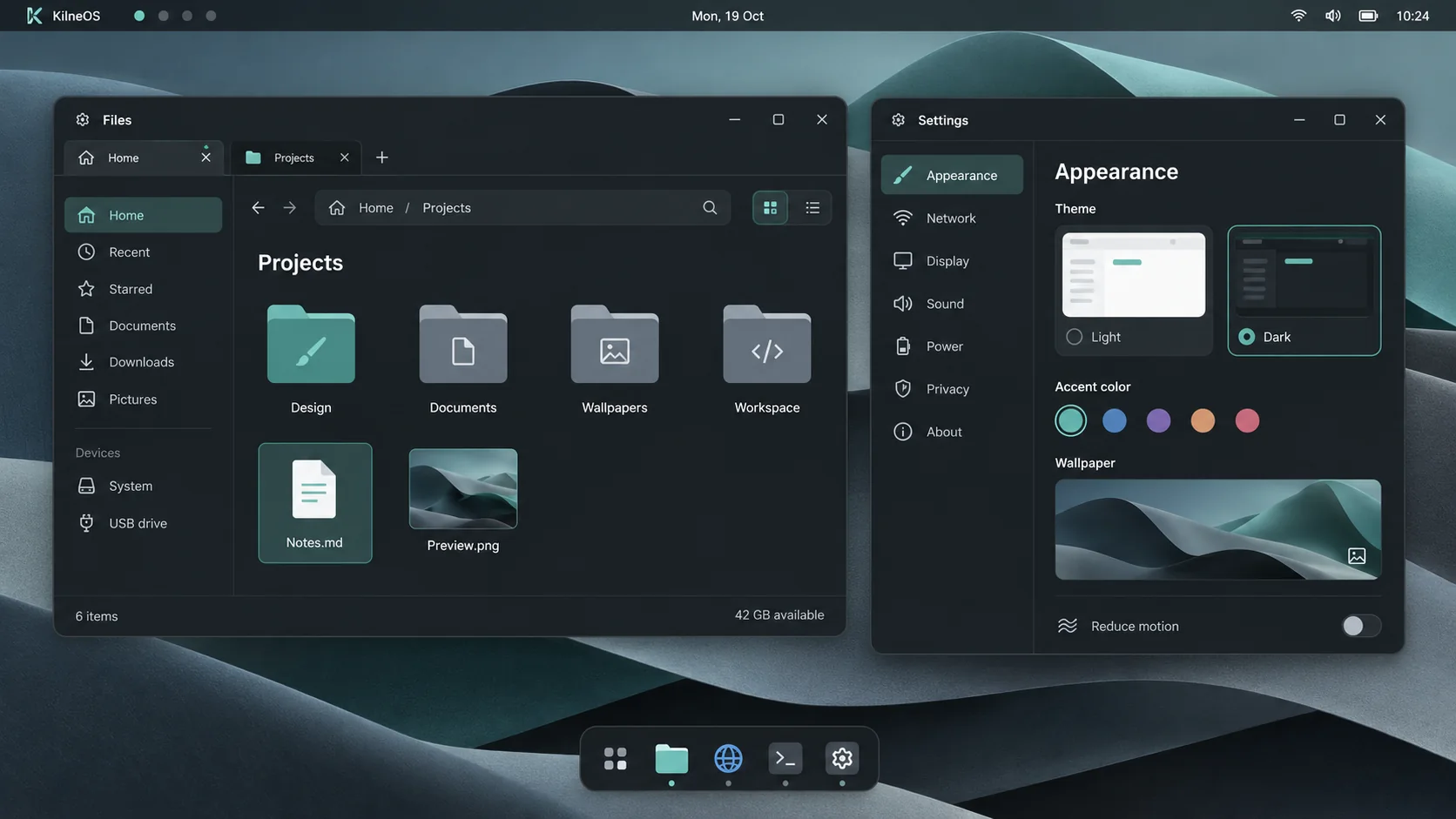
Design concept
Try it yourself.
Switch the theme, pick an accent colour, and turn off motion.
Interactive demo A re-creation of the KilneOS Settings screen, not a screenshot. In KilneOS, one setting changes the whole system.
Dark and light
Two themes, each designed on its own. Pick one and the desktop and Settings follow.
Five accents
Teal, blue, purple, orange and rose. The accent colours the K mark, selection, and the dot under running apps.
Reduce motion
One switch tones down animation across the system.
Wallpapers
Kilne ships with a dunes wallpaper in dark and light versions, and you can choose between them in Settings.
One setting for everything
Appearance is saved once for the whole system, so every part of the desktop matches.
A calm login screen
The login screen is dark and quiet. The rest of the desktop follows the look you choose.